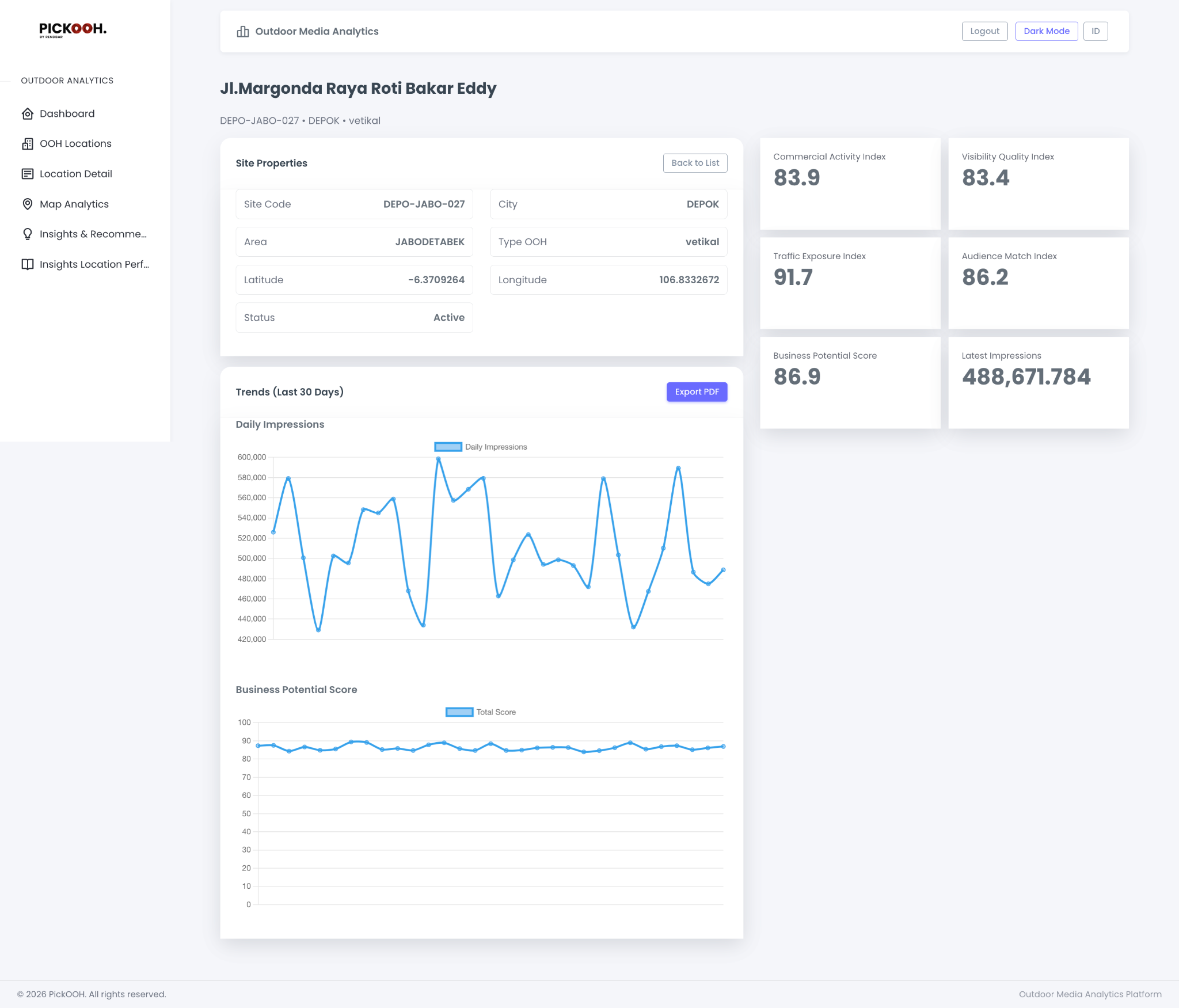
How it works — Explore
Structured workflow — from inventory discovery, map exploration, to location-level validation.
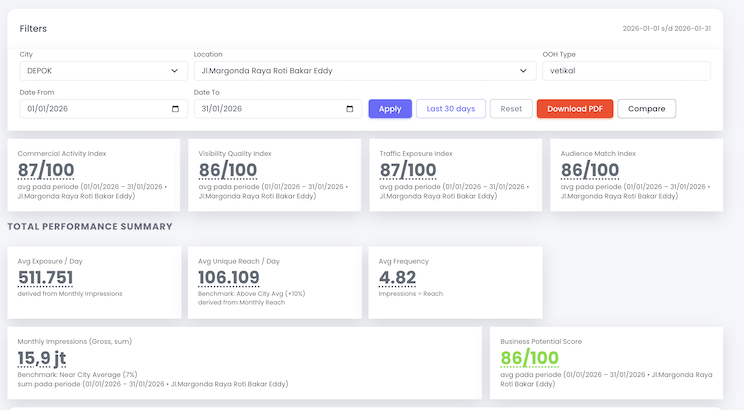
Discover Inventory (Search & Filters)
Explore OOH locations quickly using filters and structured metadata to find the best matches.
- Filter by city, location, date range
- OOH type & availability
- Quick shortlist workflow
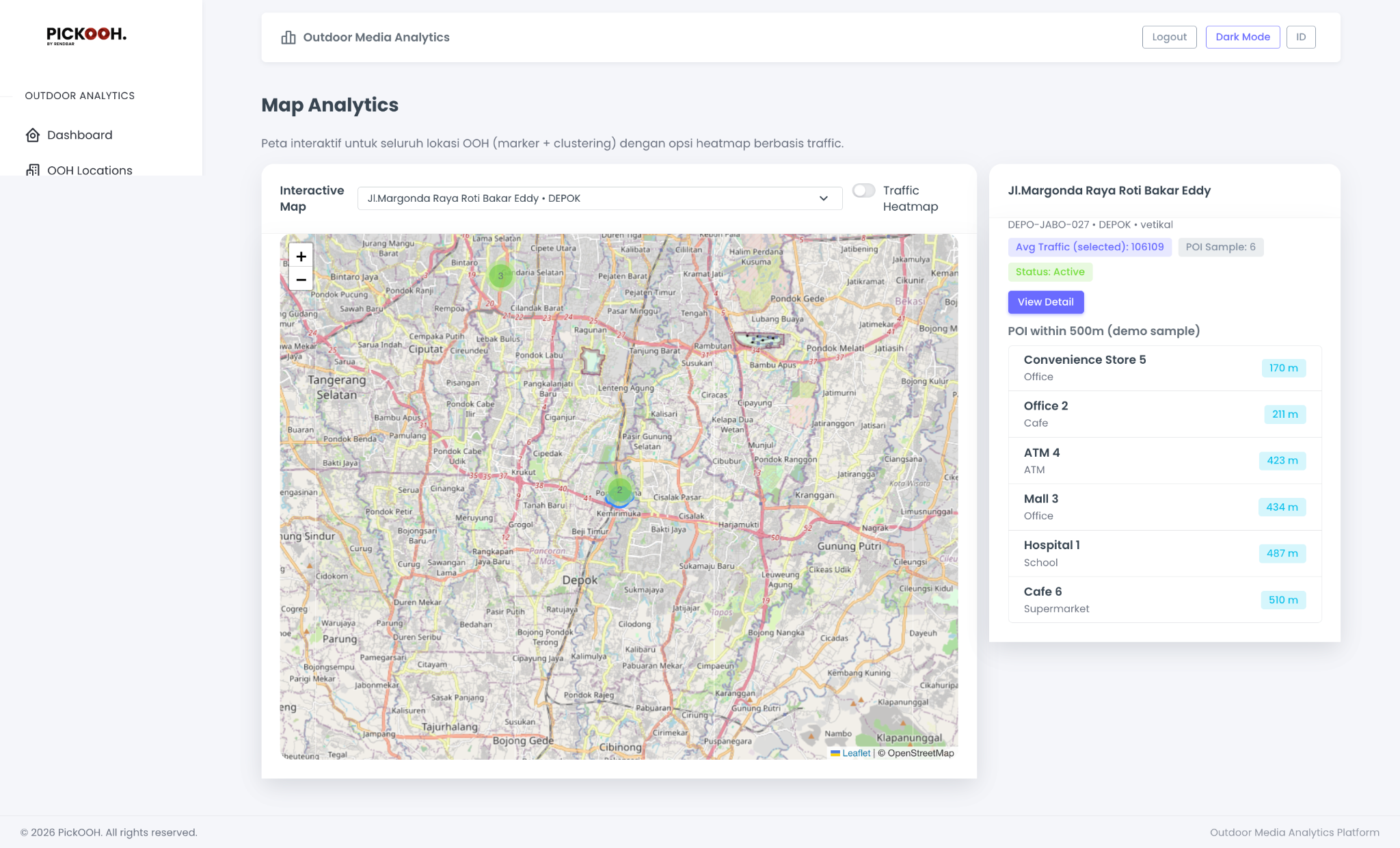
Map Analytics (Clusters & Heatmap)
Visualize inventory distribution with map clustering and optional traffic-based views for coverage planning.
- Interactive map exploration
- Traffic heatmap toggle
- Fast area scanning
Location Detail (POI & Context)
Open a location to see nearby POI, context signals, and key attributes before activation.
- POI within radius
- Status and key attributes
- Action buttons for detail/compare